One Small Change That Made My Clients' Lives Easier
After a personal branding session, you get hundreds of images. Here's the small workflow change that means you'll actually use them.
A few months into running personal branding sessions, I got a piece of feedback that stopped me in my tracks.
It wasn't about the images. The client loved the images. It was about what happened after.
"I've got 200 photos and I don't know which one to use for what."
She wasn't wrong. A personal branding session produces a lot of images, deliberately. That's the point. You're building a library, not picking a single headshot. But a library is only useful if you can find what you need when you need it.
The problem was obvious once I heard it
You're writing a LinkedIn post on a Tuesday morning. You need an image. You open the folder, and it's 200 files named IMG_4521 through IMG_4720. You scroll. You squint at thumbnails. You pick one that looks roughly right, or you give up and post without an image.
That's not a photography problem. That's a delivery problem. And it was mine to fix.
So I started pre-sorting
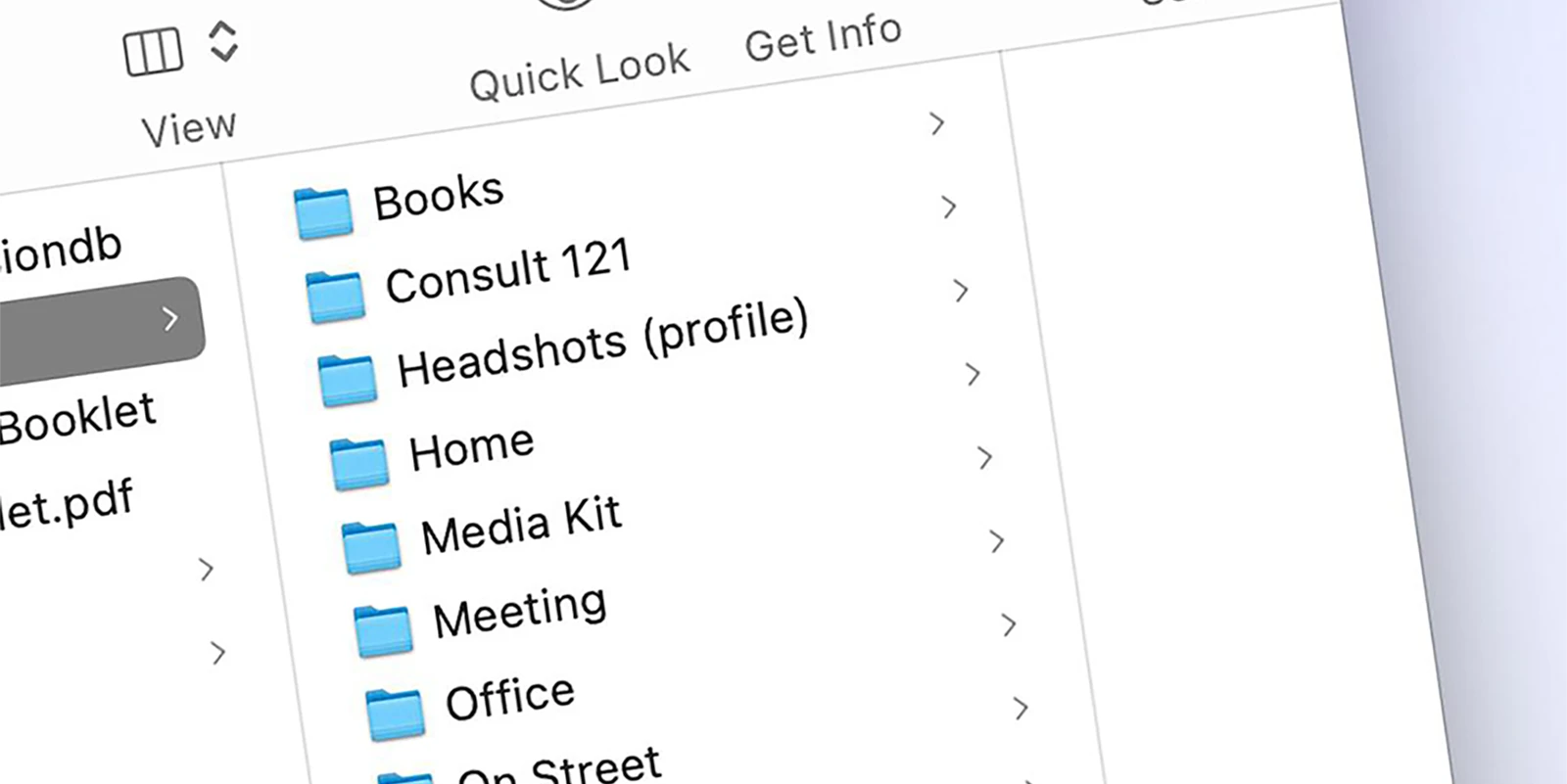
Now, after every personal branding session, I sort the finished images into folders before I send them. Not by date or file number, but by how you'll use them.
The folder names come straight from the strategy meeting. For one client it might be: keynotes, consulting, media pack, social, website. For another it might be: podcast, speaking, one-to-one, lifestyle. Every client's set is different because every client's needs are different.
When you need an image for a LinkedIn post about your consultancy work, you open the "consulting" folder. Four or five images, all relevant. Pick one and you're done. Thirty seconds, not thirty minutes.
It works because the images were planned
The folders aren't just a filing system. They work because every image in them was shot on purpose.
During the strategy meeting, we talk about where you'll use your images and what kind of content you'll be creating. That conversation shapes the shot list. So when I sort the finished images into folders afterwards, they fit naturally, because they were made to fill those exact gaps.
A "keynotes" folder full of images of you at a desk wouldn't be much use. But a "keynotes" folder with close-ups of you presenting, mid-gesture, making eye contact? That's something you'll reach for every time you're pitching for a speaking slot.
Small things add up
This isn't a big, dramatic change. It's a small adjustment to how I deliver the work. But it's the kind of thing that determines whether your images actually get used, or whether they sit in a downloads folder gathering dust.
The best personal branding photography in the world doesn't help you if you can't find the right image when you need it.
If you're curious about what a personal branding session involves and how the strategy meeting shapes everything, have a look at how smart entrepreneurs use their branding photos or read about a session where the strategy meeting changed everything. And if you're wondering what happens once the session wraps up, here's what to expect after your shoot.